Certificates of analysis.
Third-party lab results for our research compounds. Until every COA is uploaded here, all COAs are provided upon request — email us anytime.
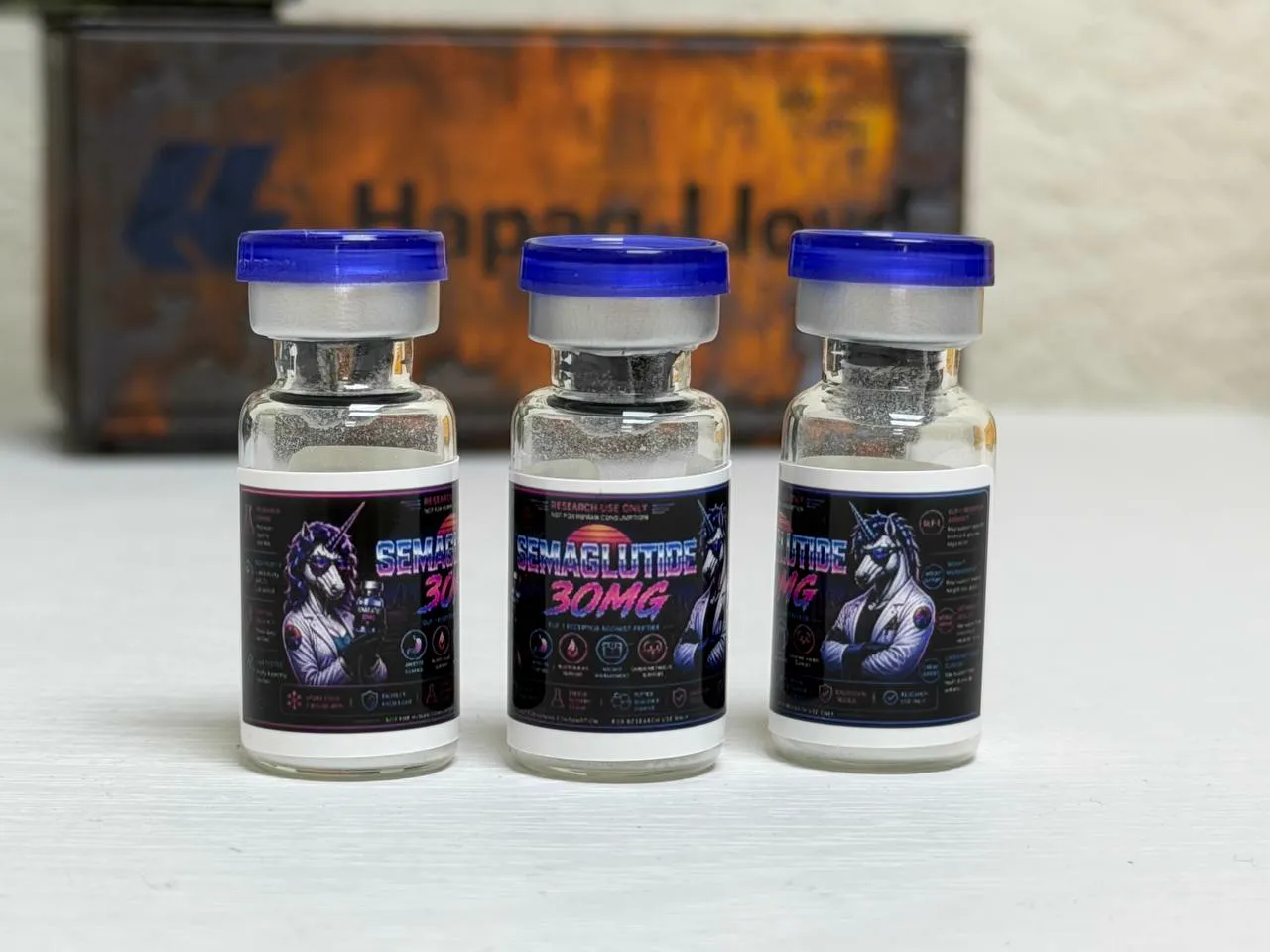
COAs provided upon request. We are currently uploading certificates of analysis to this page. In the meantime, all COAs are available upon request — tap “Request COA” on any product (or email us with the compound name) and we'll send the full certificate promptly.
Why certificates matter.
What is a COA?
A Certificate of Analysis is a third-party lab report confirming the identity, purity, and potency of a research compound. We require COAs for every product we carry.
Third-party testing
Our COAs are issued by independent laboratories — not conducted in-house. This ensures unbiased verification of product quality and identity.
Batch tracking
Each COA corresponds to a specific batch of product. If you need the COA for your exact batch, email us with your order number and we'll send it directly.